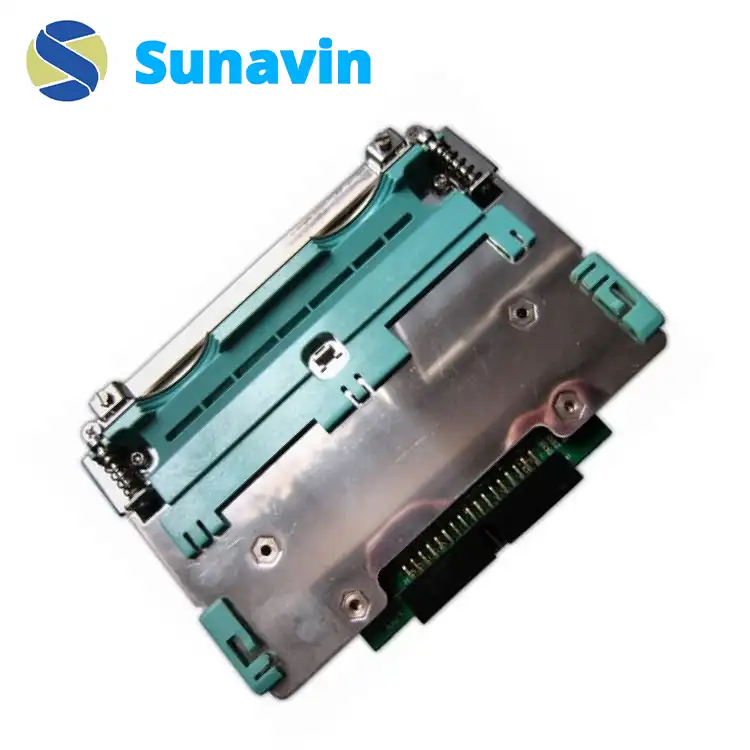
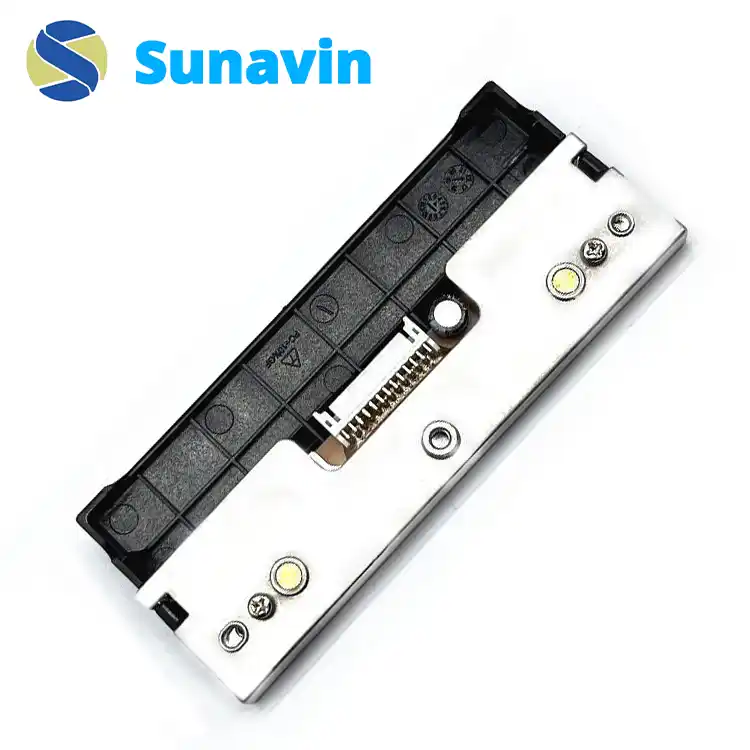
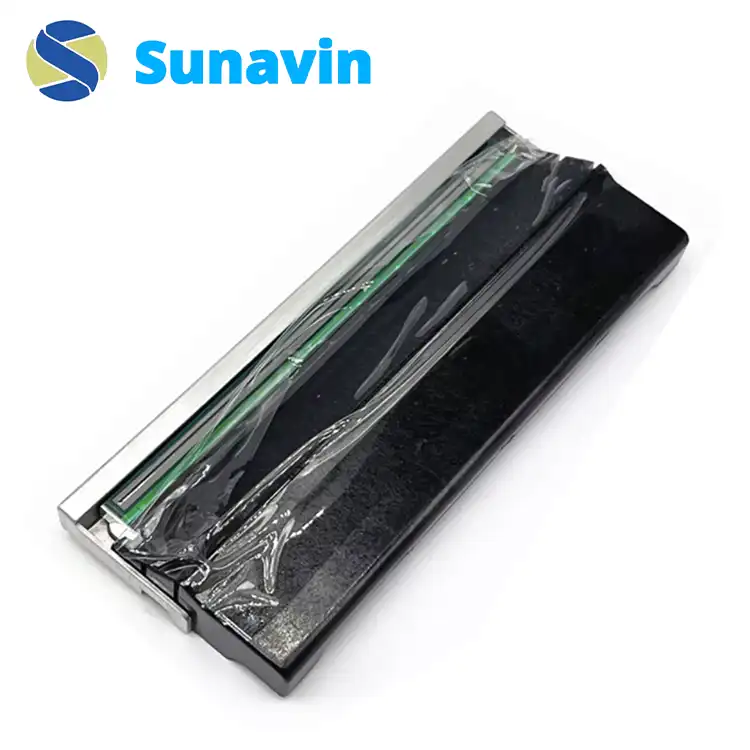
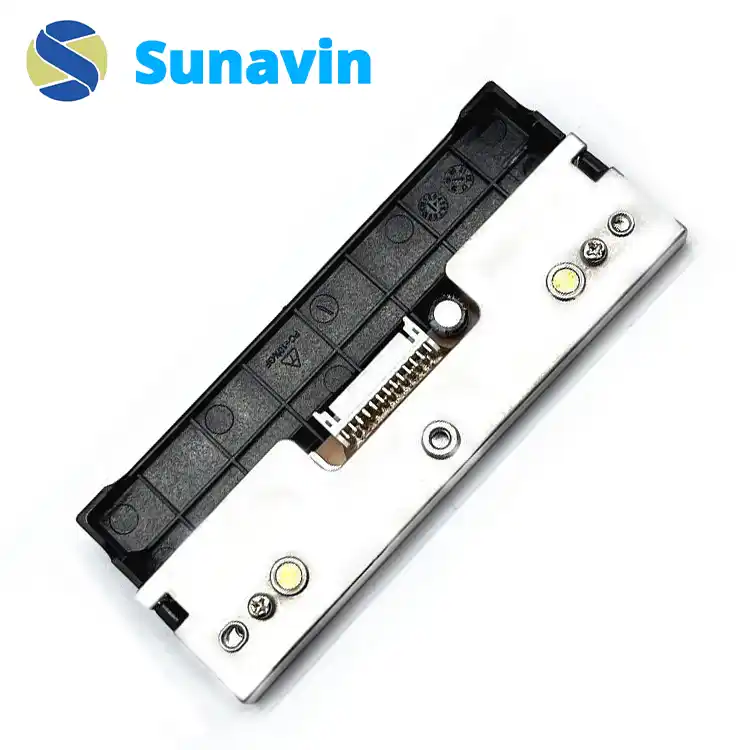
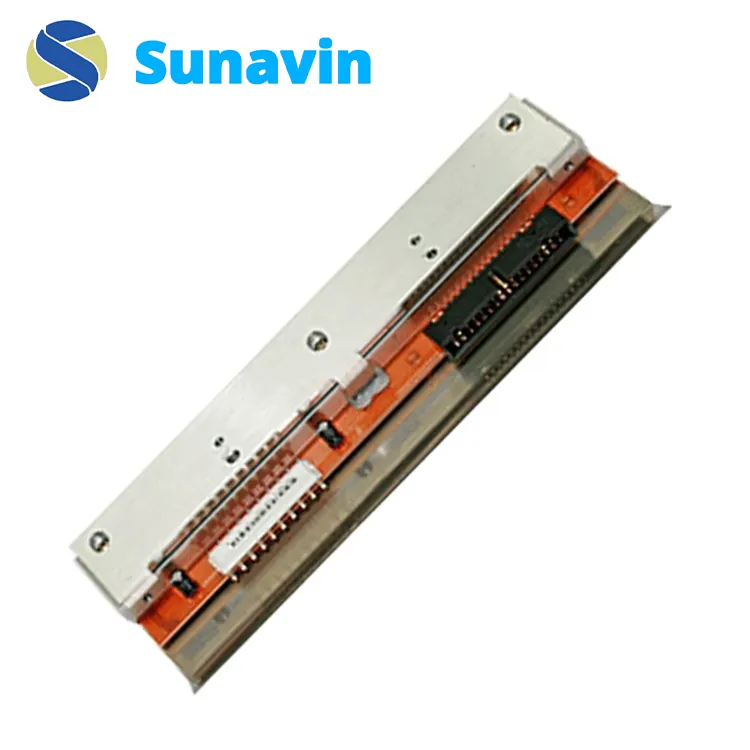
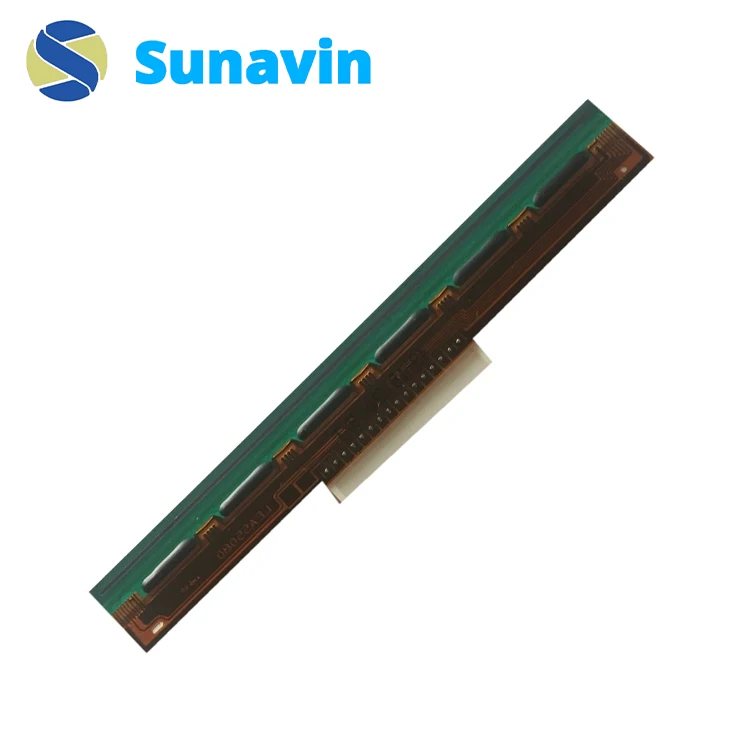
Buy Or Wholesale The Best Quality Godex EZ2300+ EZ2350i 104mm printheads At The Lowest Price In China.
The Godex EZ2200+ EZ2250i 104mm printhead (200dpi) delivers high-resolution printing, ensuring crisp and clear prints. It is durable, easy to install, and compatible with various Godex printer models, which is ideal for diverse printing needs.
Essential details
| Part Number |
021-23P001-001 |
| Resolution |
300dpi |
| Print Width |
104mm |
| Application |
Retail, manufacturing, logistics, healthcare |
| Compatibility |
Godex EZ2300+ and EZ2350i printers |
How to Install the Godex EZ2300+ EZ2350i 104mm Printhead
Installing the Godex EZ2300+ EZ2350i 104mm Printhead is a straightforward process that can be completed with minimal effort. Here’s a step-by-step guide to ensure a smooth installation:
• Turn off the Printer: Ensure the printer is powered off before beginning installation.
• Open the Printer Cover: Carefully open the printer cover to access the printhead compartment.
• Remove the Old Printhead: Gently disconnect and remove the existing printhead from its slot.
• Insert the New Printhead: Align the new Godex EZ2300+ EZ2350i printhead with the slot and securely connect it.
• Close the Printer Cover: Once the printhead is in place, close the printer cover.
• Power On the Printer: Turn the printer back on and perform a test print to ensure proper installation.