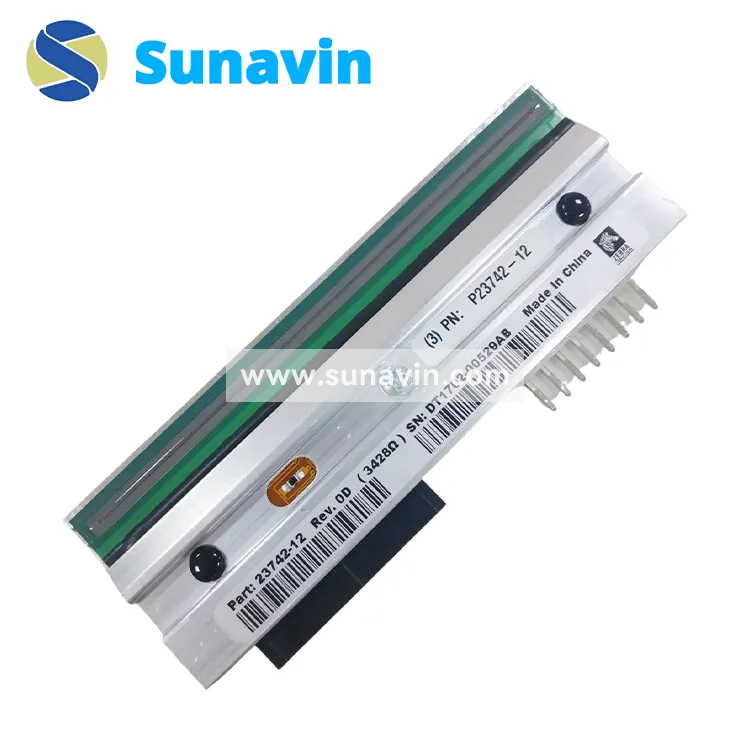
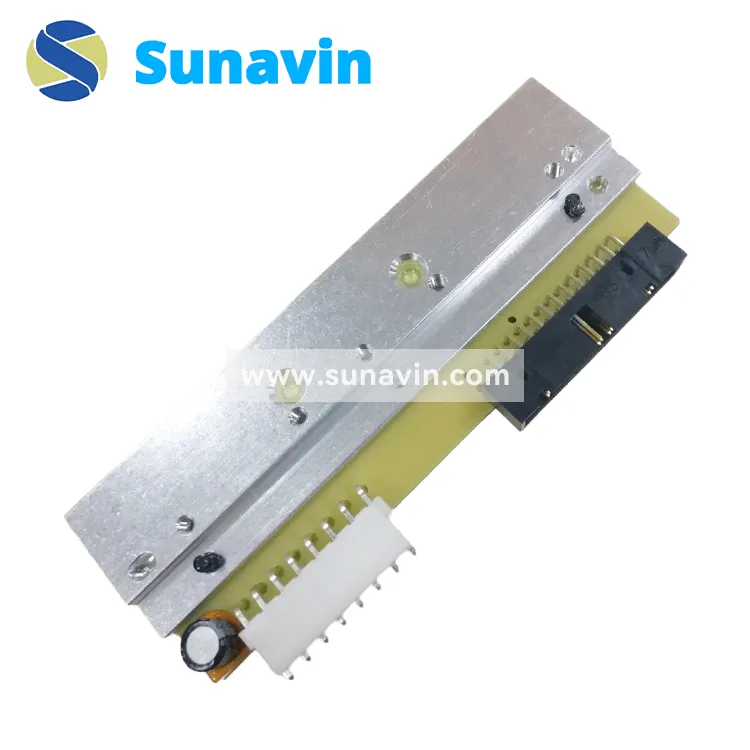
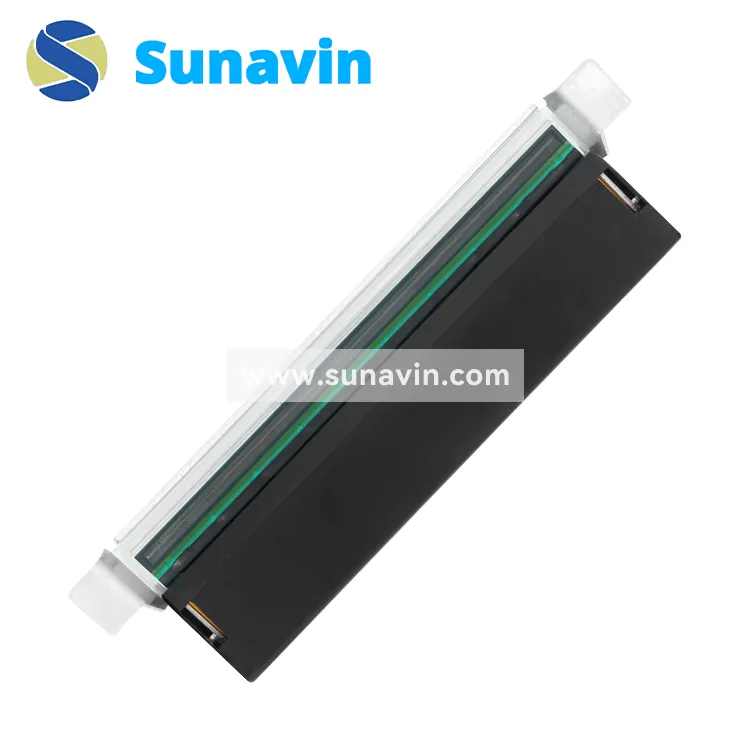
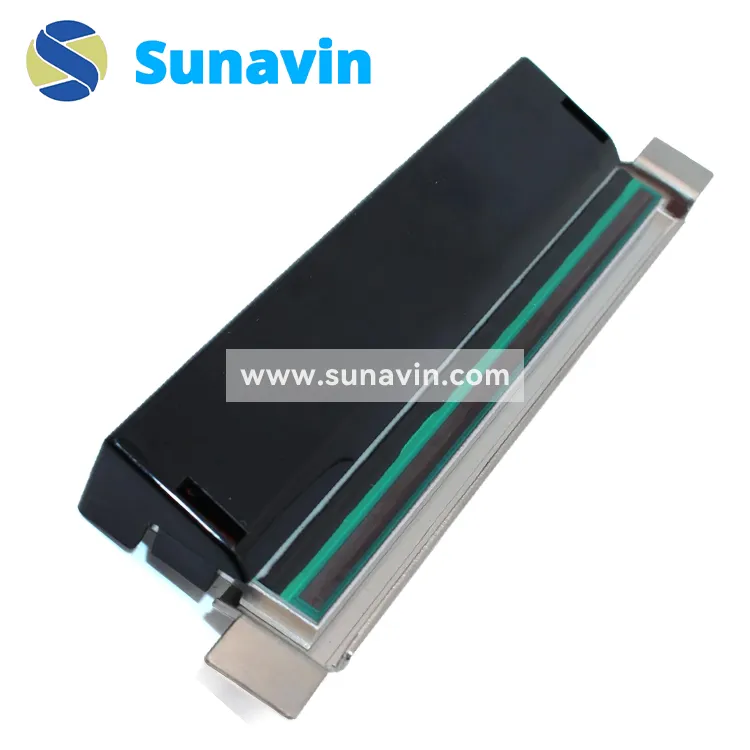
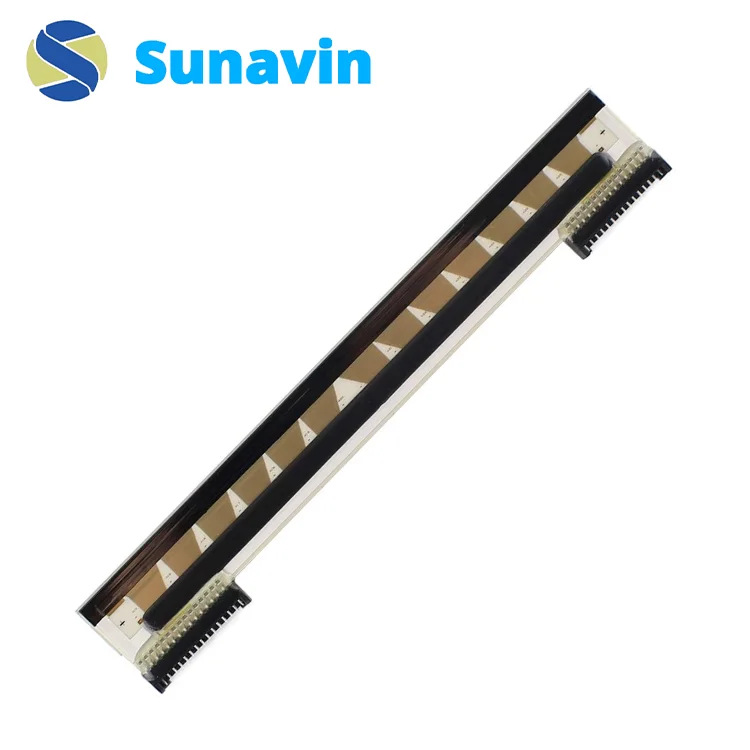
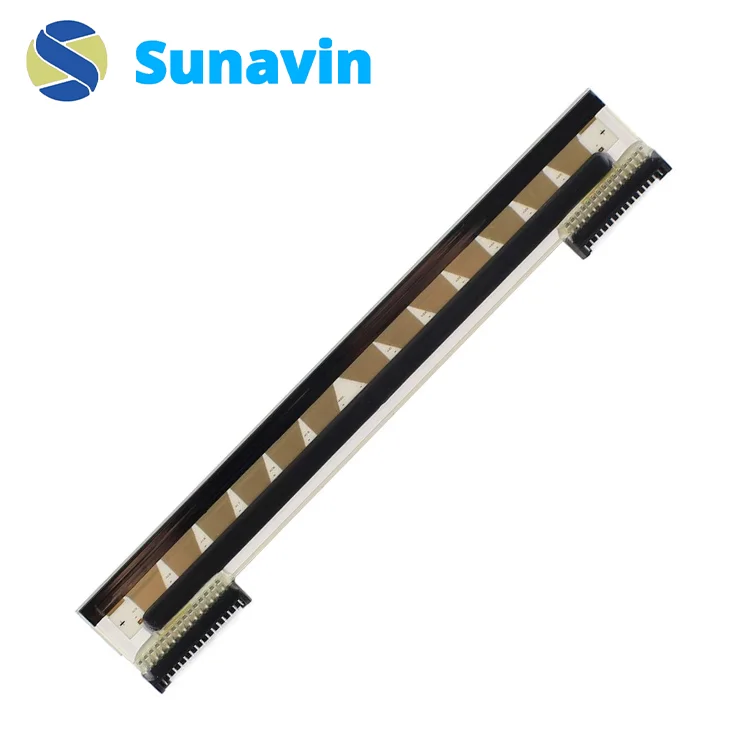
Buy Or Wholesale The Best Quality Zebra 110Xi4 printhead (600dpi) P1004233/ P23742-12 At The Lowest Price In China.
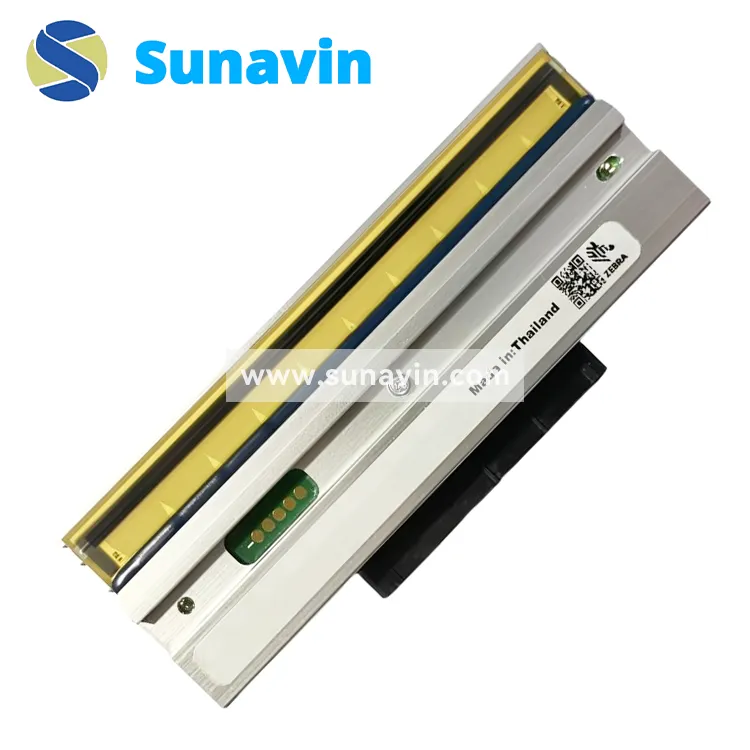
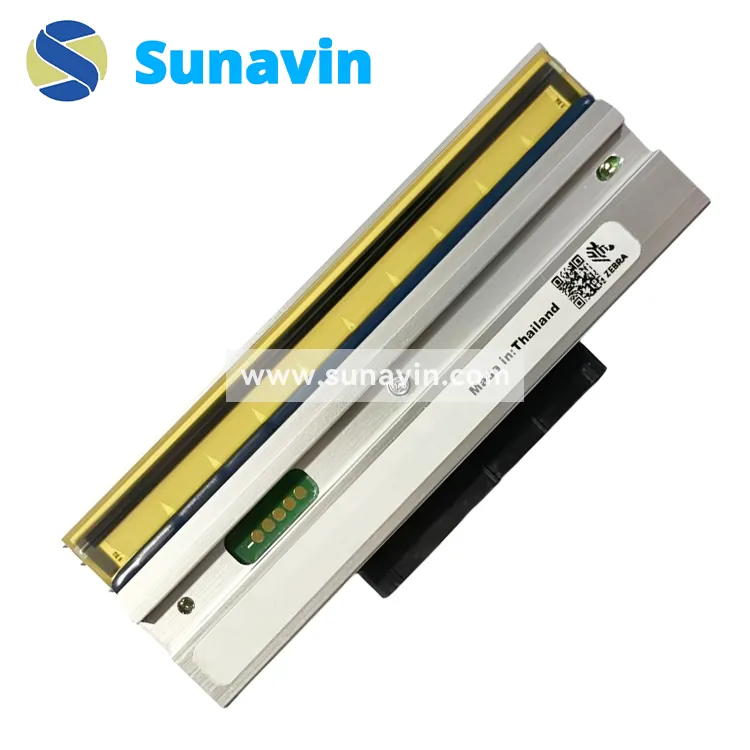
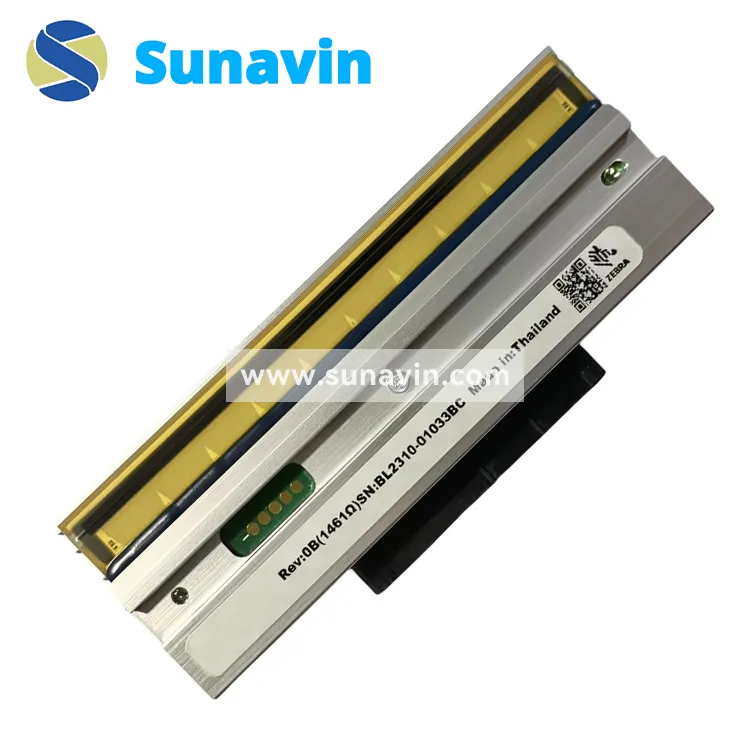
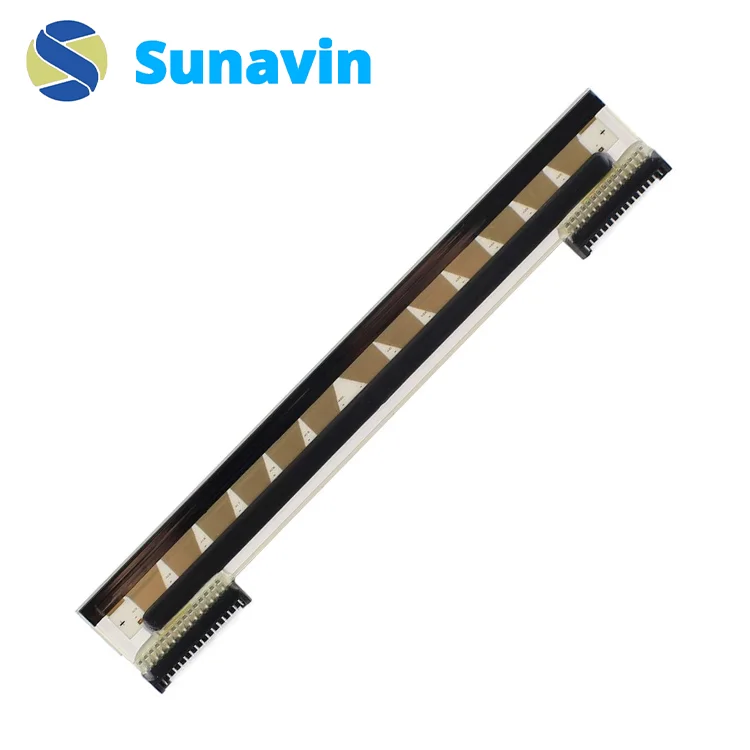
The Zebra 110Xi4 Printhead (600dpi) P1004233/ P23742-12 is a high-resolution printhead designed for the Zebra 110Xi4 printer series. It delivers exceptional print quality, ideal for small, detailed text and images. Durable and reliable, this printhead ensures consistent performance, reducing downtime and maintenance costs for businesses.
Basic Details
- Product Number: P1004233/ P23742-12
- Resolution: 600 dots per inch (dpi)
- Compatibility: Zebra 110Xi4 printers
- Material: High-grade metal and ceramic components
Performance
The Zebra 110Xi4 printhead (600dpi) P1004233/ P23742-12 offers significant performance benefits:
- Superior Print Quality: With 600dpi, every detail is captured, ensuring crisp, clear prints that are easy to read and scan.
- Increased Efficiency: The robust design reduces the need for frequent maintenance, allowing for continuous, high-volume printing.
- Cost Savings: Fewer replacements mean lower long-term costs, making the P1004233 printhead a smart investment.
Whether you’re printing detailed barcodes, fine text, or intricate images, this printhead delivers consistently excellent results.
Installation and Maintenance
Installing the Zebra 110Xi4 printhead (600dpi) P1004233/ P23742-12 is straightforward, ensuring minimal disruption to your operations. Follow these simple steps:
- Power off the printer and disconnect it from the power source.
- Open the printhead mechanism and carefully remove the old printhead.
- Align the new 600dpi printhead with the connectors and secure it in place.
- Close the mechanism, reconnect the power, and run a test print to ensure correct installation.
To extend the lifespan of your printhead, clean it regularly with approved cleaning solutions and avoid using abrasive materials that could damage the delicate print elements.